
Queries
Using queries, data is read via SQL from SAP Business One or another data source and handed to ECM-Connect. They are the toolbox for everything that fixed field mappings cannot express.
What is this for?
- Determine values from the database needed for indexing or checks.
- Assign results to a target field and optionally write them back to the database.
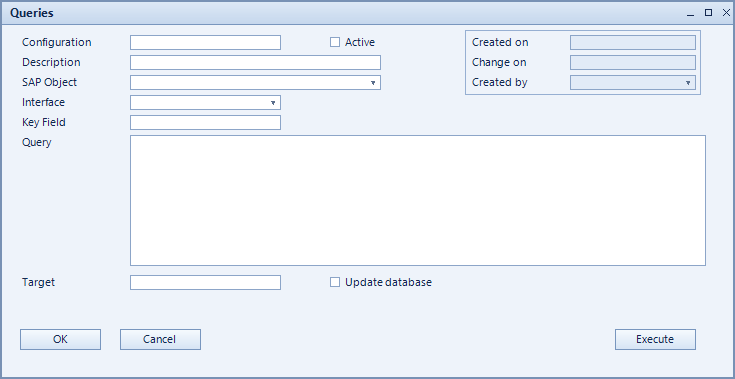
How to set it up
- Create the query and choose the SAP object it applies to.
- Enter the SQL statement and pick the data source under Source.
- Define the target field the result is written to.
- Use Execute to test straight from the form before setting the query active.
Fields of the form
Captions taken from the "Queries" form (table @NCSQUERIES).
| Field | Meaning |
|---|---|
| Key field | Key field identifying the record. |
| Active | Enables the record. Only active records are evaluated. |
| Configuration | Unique key of the configuration. |
| Description | Descriptive name of the record. |
| Source | Data source or ODBC connection the query runs against. |
| SQL-Statement | The query to run. |
| Target | Field the result is written into. |
| Update database | Writes the result back to the database instead of only reading it. |
| SAP object | SAP object the record applies to. |